

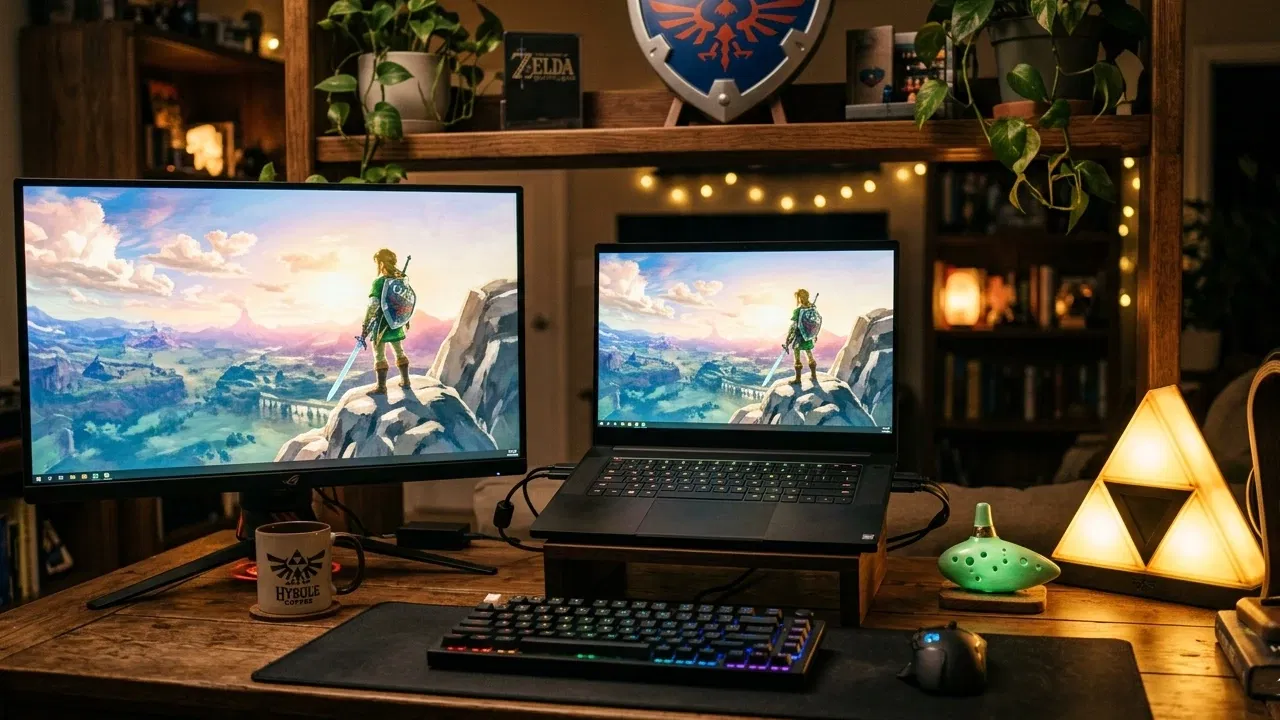
Even if you don’t identify as a gamer, there is a good chance you have heard of “The Legend of Zelda.” This is one of the most critically and commercially successful video game franchises in history, spawning 19 entries and various spinoffs. Ever since the original game was released in 1986, It has been a prominent and influential series, with many of the titles in the franchise considered to be some of the greatest video games ever made. However, the games are only available for Nintendo’s gaming console. Here are some of the ways you can play The Legend of Zelda on your PC.
What Is The Legend of Zelda?
If you’ve never played an entry in The Legend of Zelda series, you might be asking yourself what all the fuss is about. The franchise is classified as an action-adventure game with RPG elements. In the game, players take control of a protagonist named Link who is often tasked with saving the world from a variety of powerful antagonists.

Over the years there have been many additions and refinements to the series, but there are chief gameplay elements that remain in each entry. The games are often heavy on exploration, with puzzle solving and action sequences thrown into the mix. Furthermore, the games reward players for engaging in side quests, often in the form of useful items like weapons or keys to access new areas.
Is The Legend of Zelda Available on PC?
The Legend of Zelda has been primarily developed and published by Nintendo, and the core series of games has been developed exclusively for Nintendo hardware, including both the company’s home and portable consoles.

Unfortunately, Nintendo has never developed an original Zelda game for PC. Additionally, Nintendo has declined to port any of the existing games in the Zelda franchise to PC. This means that PC gamers who would like to try a Zelda game have to get their hands on a Nintendo console first.
Fortunately, it is possible to play The Legend of Zelda on your PC, particularly with an emulator. For a series that spans 19 titles over 33 years, each Zelda game will have its own system requirements. Due to this, which Zelda games you are able to play will largely depend on the specifications of your PC. Therefore, a more powerful PC is more likely to run newer games in the series.
NES Streaming Sites
There are a number of websites that host old retro games that you can play right in your browser. Many of these sites have classic Nintendo games available, including many titles in the Zelda series. Of course, the legality of these sites is up in the air. Nintendo has a reputation for being quite strict when it comes to their older titles. This is mainly due to the fact that many of these titles are available to purchase digitally. Nintendo is aggressive at targeting these sites and forcing them to remove games they believe infringe on copyright.

In addition, there are other major drawbacks to these streaming sites. Many of them are “free to play.” Of course, this often means you’ll have to deal with a significant number of ads and pop-ups. Furthermore, you will be limited to which Zelda titles you are able to play. Because you’ll be playing within your browser, do not expect to play any titles beyond the 16-bit era. Finally, many of these sites utilize Flash Player to run the games, a technology you may no longer have access to now.
Emulation
Emulating Zelda titles is the best way to play them on a PC. In order to do this, you will need two things: an emulator and a ROM file. An emulator is software that mimics the original video game console hardware. Therefore, if you wanted to play the original Legend of Zelda game, you will need an NES emulator. In addition to the emulator, you will also need the game’s ROM. With these two things, you can play virtually any title.

Emulators are developed and maintained by a robust community of enthusiasts. A vast majority of the emulators available are open source, meaning they are free to download and use. However, ROMs are a different story. ROMs occupy a sort of legal grey area. That being said, the consensus is that it is illegal to download a ROM if you don’t actually own the game. Think of it like pirating a movie. So if you’re thinking of playing a Zelda title on your PC, pick up a copy of the game before you download the ROM.
Which Emulators Do I Need?
The Legend of Zelda series has been around for a long time. As a result, titles in the series have appeared on virtually every single console Nintendo has developed. Below, we will list every Zelda game, along with the standalone emulator we recommend using to play it.
Note: there are multiple emulators available for each console. The emulators we mention below were chosen due to their straightforward setup and ease of use.
If you want a more all-in-one solution and don’t want to install multiple individual emulators, RetroArch should give you good results with all the games and platforms listed below up until the GameCube and Wii.
While RetroArch has GameCube and Wii support built in through its “Cores,” RetroArch’s version of the Dolphin Core is far behind the current progress of the standalone emulator. For the best GameCube and Wii emulation experience, a complete Dolphin installation can’t be beat.
Note: While emulators in general occupy a legal grey area, the previous major emulators for Nintendo 3DS and Nintendo Switch have been taken down over time. While new forks and other emulators have appeared over time, and we’ve updated this list appropriately, be sure to leave a comment below and notify us if any of the emulators below become unavailable. Most Nintendo emulators are left alone, but particularly for 3DS and Switch, Nintendo has been militant. Additionally, no Nintendo Switch 2 emulators have yet been made, and the earliest at which they would even feasibly play currently-unannounced Zelda games would be years from this update (early 2026).
Nintendo Entertainment System
Emulator: Nestopia

Games available:
- The Legend of Zelda
- Zelda II: The Adventure of Link
Super Nintendo Entertainment System
Emulator: SNES9x

Games available:
- The Legend of Zelda: A Link to the Past
Gameboy/Gameboy Color/Gameboy Advance
Emulator: mGBA

Games available:
- Link’s Awakening
- Oracle of Seasons/Oracle of Ages
- Four Swords
- The Minish Cap
Nintendo 64
Emulator: Mupen64Plus

Games available:
- Ocarina of Time
- Majora’s Mask
Gamecube/Wii
Emulator: Dolphin

Games available:
- Wind Waker
- Twilight Princess
- Skyward Sword
Nintendo DS
Emulator: DeSmuME

Games available:
- Phantom Hourglass
- Spirit Tracks
Nintendo 3DS
Emulator: Azahar

Games available:
- A Link Between Worlds
- Ocarina of Time 3D (HD Remaster)
- Majora’s Mask 3D (HD Remaster)
Wii U
Emulator: Cemu

Games available:
- Breath of The Wild
- Wind Waker HD (HD Remaster)
- Twilight Princess HD (HD Remaster)
- Hyrule Warriors
Nintendo Switch
Emulator: Ryubing

Games available:
- Breath of The Wild
- Tears of The Kingdom
- Link’s Awakening (Full Remake, screenshot above)
- Hyrule Warriors: Definitive Edition
- Hyrule Warriors: Age of Calamity
With the above information, are you be able to play The Legend of Zelda on your PC? Which emulators do you prefer? Let us know in the comments!
