


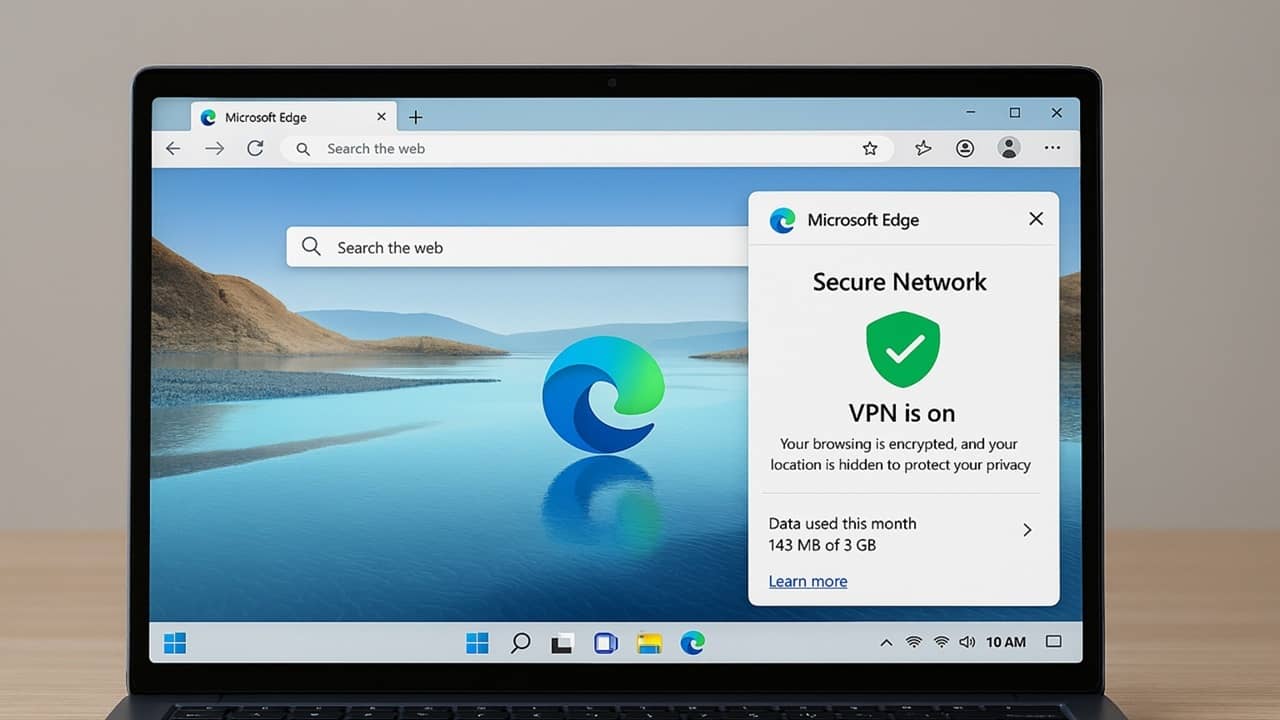
I’m always happy to get expensive privacy tools for free, but the free Microsoft Edge VPN isn’t quite what it claims to be. While you might feel protected when you turn it on, it’s not exactly a true VPN and may not even be on when you think it is.
What You Need to Know About Microsoft Edge VPN
Microsoft quietly introduced the Edge Secure Network VPN that’s built directly into the Edge browser. There’s nothing else to install or configure. Sounds great, right? According to Microsoft, it uses “VPN technology” to protect your sensitive information from prying eyes. My guess is this is to help make up for dropping the VPN included in Microsoft 365.
So far, so good. This is exactly what a VPN is supposed to do. It re-routes traffic through an encrypted tunnel to prevent it from being intercepted during transit. It also helps keep your browsing activities anonymous.
Microsoft partnered with Cloudflare to make this VPN magic happen. When active, the Microsoft Edge VPN masks your device’s identity and data while re-routing it through the nearest Cloudflare server.
It’s not on by default. Open Edge, click the three dot menu at the top right, and select Settings. Select Privacy, search, and services → Security. Toggle on Use Microsoft Edge Secure Network at the bottom.

Except That It’s Not a True VPN
Despite Microsoft marketing this as a VPN, it’s not actually a VPN, especially in the way most of us think of it. Even Cloudflare says it’s not your typical VPN.
Instead of offering full protection, privacy is limited to Edge only. Cloudflare uses HTTP CONNECT, which powers their Privacy Proxy Platform.
What makes this different is this method masks traffic through a proxy via a server in the general geographic location of the user. It also requires you to sign in via your Microsoft account. Cloudflare authenticates users based on their Microsoft account before creating a private connection.
Privacy researcher Sooraj Sathyanarayanan pointed out this creates a two-party trust model. Supposedly, Microsoft doesn’t share your full account identity with Cloudflare, and Cloudflare doesn’t see your traffic.
It’s really not surprising that the Edge Secure Network isn’t what I’d call a true VPN. After all, it’s marketed as a browser VPN, meaning it only works in the browser.
However, out of numerous browsers with built-in VPNs, Edge’s has some of the most significant drawbacks.
Major Drawbacks to Edge VPN
Unlike many VPNs, you won’t be streaming your favorite shows and movies through the Microsoft Edge VPN. The VPN won’t turn on for most popular streaming services.
Plus, free Microsoft accounts only get five gigabytes of traffic per month. Believe me, you’ll go through that quickly if you use the VPN often. You’re then left unprotected for the rest of the month.
Another issue is you have no location choice. To focus on speed, traffic’s automatically sent to the closest geographical data center. This means Edge is still able to track your general location. A VPN shouldn’t let you search for “restaurants near me” and get local results.
The next issue for me is the default setup is Optimized. The VPN only turns on if it detects you’re using public Wi-Fi or an unsecure network. It also turns on if a site doesn’t have a valid security certificate.
If you stick with the default, you’re trusting Microsoft to determine if your connection is secure or not. What if you’re paying bills on public Wi-Fi, but Microsoft doesn’t correctly identify the connection? Then, your data is transmitted with no extra protection from the VPN.
You can change this. Open Edge and go to Settings → Privacy, search, and services → Security. If Microsoft Edge Secure Network is enabled, you’ll see three options – Select Sites, Optimized, and All Sites.

I’d suggest using Select Sites or All Sites. Select Site preferences for Secure Network to configure which sites to use if you opt for Select Sites.
Just remember, if you choose All Sites, you’ll go through your free data allowance quickly. I’d recommend manually turning it on and off based on your needs to conserve bandwidth. When it’s enabled, a shield icon appears to the right of your address bar to toggle it on/off easily.
Is Microsoft Edge VPN Worth Using?
Microsoft Edge Secure Network VPN does offer an extra layer of protection while using Edge. It’s completely free, but having it tied to a Microsoft account does pose a risk of your personal identity being connected to your supposed anonymous activity.
Most other free browser VPNs don’t require an account to use them. And, yes, most free browser VPNs do restrict protection to browser traffic only. Premium browser VPNs typically offer more traditional VPN protection.
I’d recommend using it if you’re on public Wi-Fi, but make sure it’s actually on when transmitting any sensitive data. Free VPNs are notoriously unsafe, though. Personally, I’d opt for a more traditional system-wide VPN or use a VPN alternative. If you’re not sure how protected you are, try testing for VPN leaks to see if your real IP address is being leaked at any point.
