


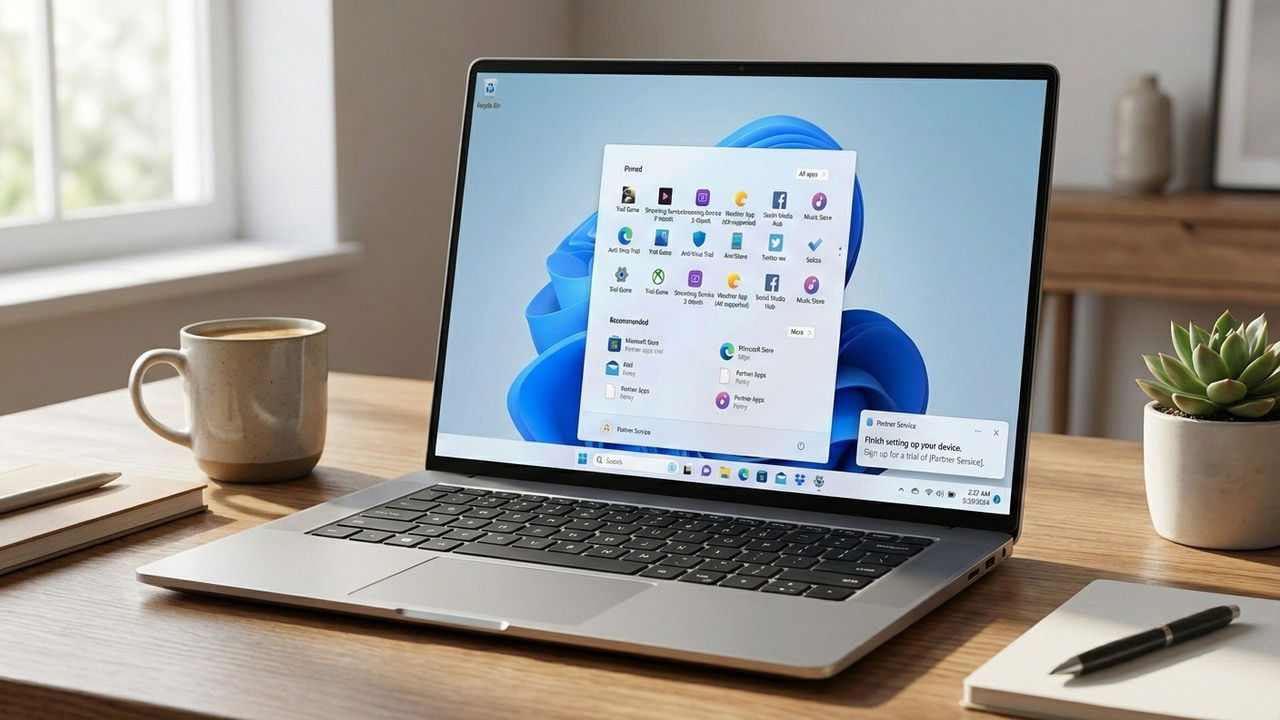
A clean Windows installation is never actually “clean”. You’ll find many pre-installed apps cluttering your Taskbar and Start Menu, while consuming resources. So, what are they, and why are they installed on your device before you even boot it for the first time? Let’s find out.
What is Bloatware
Simply put, bloatware is unwanted pre-installed software on your PC. These apps aren’t necessary for your operating system to function; they are often just “extras” that no one asked for.

There are two main sources of bloatware in Windows:
- Microsoft: yes, Microsoft adds its own apps and even third-party apps in a Windows installation. This includes apps like OneDrive, Microsoft Teams, and Copilot. You’ll also find links for third-party apps/games like Spotify or Candy Crush that are downloaded automatically as soon as you click.
- OEM bloatware: your PC manufacturer (Dell, HP, Lenovo, etc.) also adds bloatware apps from its partners, this includes Dropbox, ExpressVPN, or antivirus apps like McAfee.
All such apps aren’t necessary for Windows to function and can be easily downloaded separately if required.
Why Does Windows Have So Much Bloatware
Now the question is, why is there so much bloatware on Windows if it’s useless for most people? There are actually multiple reasons for it, depending on the type of bloatware and whether it’s from Microsoft or a third party. Here are some common reasons:
- Your PC manufacturer often partners with software app/service providers to use the PC as real estate for ads to bring down retail hardware prices. You get a cheaper PC but with pre-installed apps (bloatware).
- Microsoft has been pushing hard to provide Windows-as-a-service. It’s adding its own apps/services to keep people in its ecosystem. Apps like OneDrive, Microsoft 365, and Xbox all have a monthly subscription that Windows users may buy later. It also adds third-party links in the consumer versions of Windows (Home and Pro) to keep the retail license price low.
Probably the worst reason is data collection, which is at its peak since AI depends on it. Microsoft heavily depends on telemetry for its products like Copilot, and many third-party bloatware collect data to improve their products.
Why You Should Remove Bloatware in Windows
While bloatware may not seem intrusive, it often compromises your PC’s health in ways that aren’t immediately apparent. If you don’t want a specific app, you should definitely get rid of it because of the following reasons:
- Performance impact: most bloatware apps run background processes that consume PC resources like RAM, CPU, and battery. Even if not active, they still take up storage space that you can clean by deleting them.
- Disruptions: these apps usually come with trial periods and then keep nudging you to upgrade. They will also show new offers from time to time, disrupting your workflow.
- Privacy issues: data collection is one of the biggest downsides to these apps. The bloat from Microsoft is the main culprit when it comes to data collection using its “helpful apps”. This is why many people remove Copilot and tweak privacy settings in Windows.
Identify and Remove Bloatware in Windows
If you’re ready to remove bloatware in Windows, it’s important to proceed with caution to ensure your system remains stable. We don’t recommend debloating scripts as they do more harm than good by deleting important functions or even corrupting the system.
A safer approach is to just uninstall them one by one, like any other Windows program, as Windows 11 doesn’t block their uninstallation anymore. The goal is to delete third-party or Microsoft apps that aren’t core Windows components, excluding apps like the Calculator or Feedback Hub. For automatic bloatware detection and controlled deletion, you might want to use Wintoys instead.
If you prefer a clean Windows installation from the get-go, you can create a custom Windows installation that excludes all bloatware from the start.
Not All Bloatware is Bad
It’s worth mentioning that not all bloatware is bad. If you want to use their specific features, it’s worth keeping them. For example, you can do many useful things with the Xbox Game Bar, and OneDrive can be great for backups. There are also many compulsory apps that may break system functions if removed, like the Microsoft Store, Feedback Hub, or Microsoft Edge.
So before you go on the uninstallation spree, check what a specific app offers to ensure you don’t delete something handy or necessary for system functionality.
