


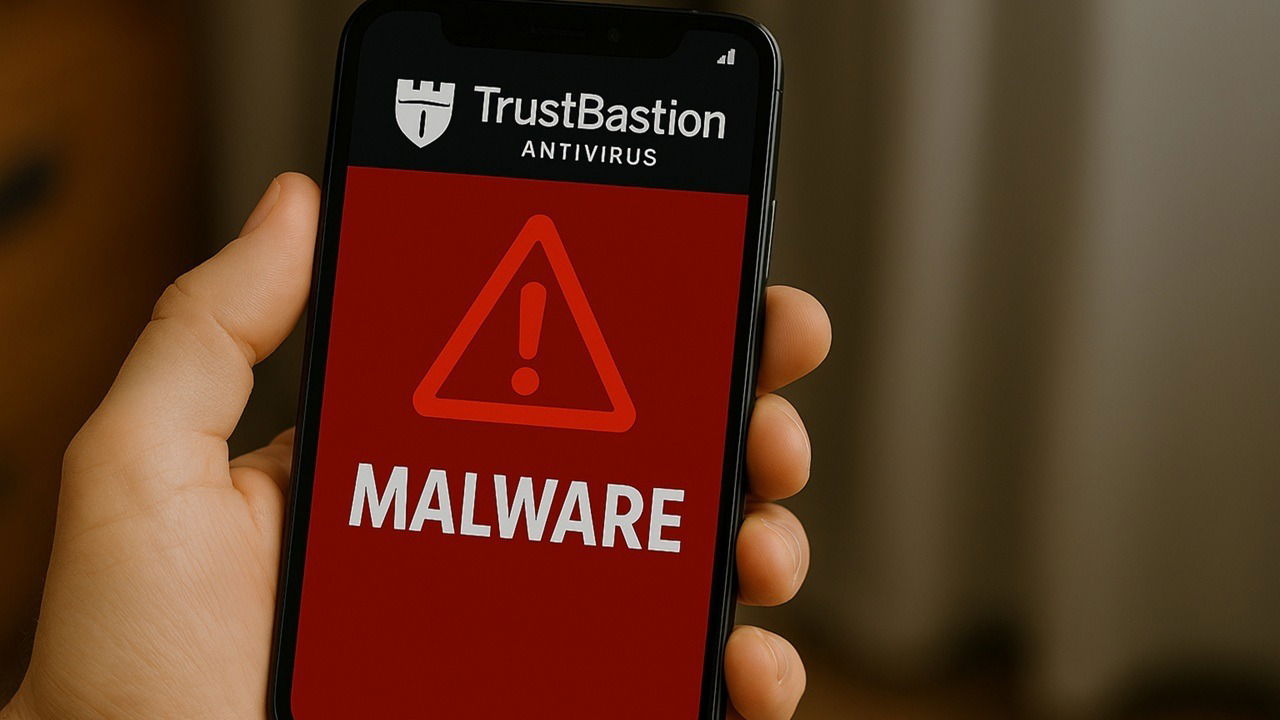
The only reason I install antivirus is to keep viruses off my device. I would’ve been devastated if the antivirus app infects my device with malware instead of protecting it. Sadly, that’s exactly what happened to many unsuspected Android users.
Don’t Trust TrustBastion
You’d think with a name like TrustBastion, the app would be trustworthy, right? Instead, users installed the supposed antivirus app, not realizing they’d just welcomed malware onto their devices.
TrustBastion poses as a fake Android antivirus app powered by AI. Usually, my first piece of advice is to only download apps from trusted sources, but the app was hosted on Hugging Face. The platform’s built a reputation as a trusted community to explore and collaborated on apps, models, and datasets. Major companies, such as Google and Meta, regularly participate.

Cybercriminals took full advantage of this trust to upload the fake app. On the surface, it looks like a legitimate Android antivirus app. It lures users in with promises to protect you against viruses, phishing threats, and more.
Since Hugging Face is an open platform with public files for the entire community to access, it was easy enough for TrustBastion to hide in plain sight.
After users install and open the app, it immediately detects a virus. In users’ defense, I’ve installed real Android antivirus apps before that did detect viruses immediately. So, I completely understand and still trusting the app.
The only problem is this particular app gives you an urgent pop-up that says you must install an update to remove the infection. Sorry, but you never had an infection. The moment you tap update, malware’s installed. Even worse, it targets financial information.
The malware takes screenshots as you interact with your device, records your device’s PIN, and even shows fake financial screens when you try to log in to financial sites. This lets the malware capture usernames and passwords.
Fake Android Antivirus Removed But More Remain
Ads on social media and various websites led users to download TrustBastion from Hugging Face. While Hugging Face has removed TrustBastion, nearly identical versions started popping up on the platform. AI makes it incredibly easy to generate new versions in minutes that are just different enough to avoid detection temporarily.
This means fake Android antivirus apps are still out there and actively targeting anyone unlucky enough to trust them.
Enable Google Play Protect to Avoid Infection
I know right now you’re probably wondering how to know which apps to trust. The first step is to enable an extra layer of protection in case you misplace your trust in a malicious app.
Always enable Google Play Protect on Android. It’s completely free and helps block malware like this, though users can bypass it if they want.
On your device, go to Settings → Security and privacy → App security. You should see Google Play Protect with a green check beside it. If it’s not turned on, tap it and enable it. It’s enabled by default, but it’s easy enough to accidentally disable it when customizing settings.

I also highly recommend turning on Advanced Protection if you have an Android 16 compatible phone. It ensures hackers can’t turn off Google Play Protect, and it prevents anyone from sideloading apps.
Turn it on by going to Settings → Google → All service (tab) → Advanced Protection (under Personal & device safety). Toggle on Device protection. You can also view all device protection features on this same screen.
I personally have to turn it off when testing apps that aren’t available on Google Play, but I keep it on otherwise.
Stick With Trusted App Stores
Most of the time, it’s best to stick with trusted app stores for downloads, whether it’s Android or iOS. For Android users, the Google Play Store is your best bet. It has a much stricter verification process than third-party app stores or sites, making it safer. Of course, some malicious apps still make it to official app stores, like those infected with SparkKitty.
Still, most rely on third-party app stores or platforms, such as apps containing LunaSpy spyware. I do use third-party app stores in some cases, especially when I need an older version of an app for an older device.
But, when in doubt, stick with the official app store instead. This is especially true for apps that require extensive permissions like antivirus app require. I do recommend using an antivirus app and firewall app. And, avoid public Wi-Fi for sensitive activities.
Simple Ways to Verify if an App’s Legit
No matter where you download an app, always do a quick verification check to see if it’s legit or not. I always use the following checklist when downloading any apps:
- Check reviews. If they’re all negative, stay away. If they’re all super positive and nearly identical, the reviews are probably fake.
- Look at the logo. If it’s too similar to another app in the same genre, it may be fake.
- See when the app was released versus how many downloads. If an app was just released a month ago, it’s probably not going to have millions of downloads unless it’s from a well-known developer or it’s been heavily promoted.
- Do two quick searches. Search for “app name fake” and “developer name fake.” If you see sites or forums discussing issues with the app or developer, it might not be a good idea to download it. Find the developer by tapping About this app in the Google Play Store. Scroll down until you see Offered by. Most trusted third-party app stores show developer details too.
Malware Signs After Installation
Despite how careful I am when downloading apps, I’ve still gotten hit with a virus from time to time. If you notice any of the following after downloading a new app, it’s probably malware and you should ditch it immediately:
- Pop-ups with urgent warnings
- Pop-ups asking you to download or update something
- Warnings from your antivirus or your antivirus is suddenly disabled
- Battery draining faster than usual
- Being redirected to random sites
- Random apps opening and closing
- Performance lag
The sooner you notice, the quicker you can remove the app and virus. Fake Android antivirus apps aren’t the only malicious apps. Use caution and act quickly if you notice something suspicious.
