


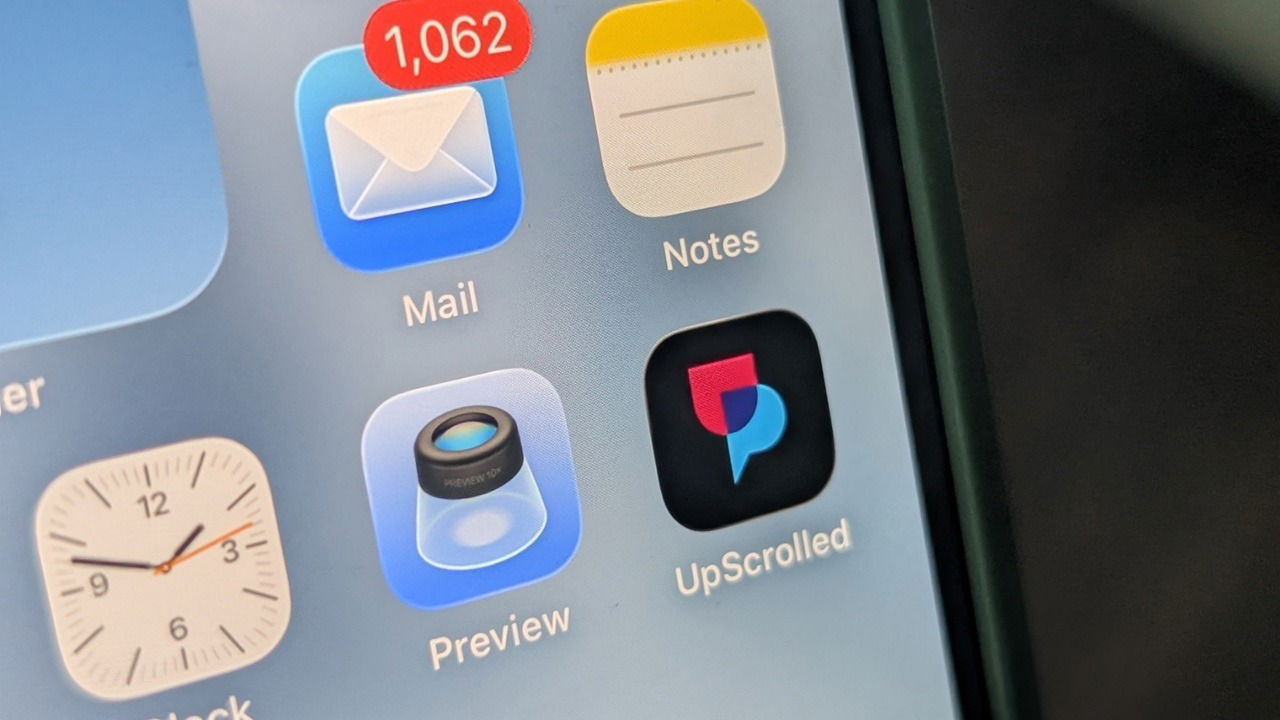
In the wake of TikTok’s recent takeover in the US, a growing number of users have started exploring other options. One platform in particular drawing attention is UpScrolled, which recently recorded a notable increase in downloads and user signup. The big question is, will it prove a viable alternative to TikTok? We tested it to see how it stacks up.
Good to know: here’s why you shouldn’t fall for TikTok videos promising you free access to premium apps.
Last week, TikTok announced a deal that will allow it to continue operating in the US. Under the new structure, TikTok’s operations in the US are now controlled by a separate entity governed by a majority-American board.
In addition, TikTok’s content recommendation algorithm, the system that determines what appears in users’ feeds, has been licensed to tech firm Oracle, led by Trump ally Larry Ellison. As part of the deal, Oracle will assume full responsibility for the app’s security, including retraining and updating the algorithm based on US user data.
These developments have sparked concerns about censorship among some users, leading many to seek out alternatives such as UpScrolled. Created by Palestinian-Australian developer Issam Hijazi, the app pledges zero censorship, no algorithmic interference, and no shadowbanning. On its FAQ page, UpScrolled notes that it doesn’t censure opinions. However, it does enforce a standard that keeps the platform safe and respectful for all users.
The app has already jumped to the #2 position for Top Apps in Apple’s App Store (at the time of writing this article.) So far, UpScrolled has attracted a significant number of activists, but its creators emphasize that the app is made for everyone. This includes content creators, business owners, vloggers, students, travelers, and everyday people.
If you too are looking for an alternative to Big Tech social media, UpScrolled could be worth considering.
Tip: enable these features on TikTok for a more private experience.
TikTok has attracted millions of users worldwide thanks to its simple interface and emphasis on short-form, easy-to-consume videos. But what about UpScrolled? How closely does it mirror TikTok when it comes to features? Let’s take a closer look.
Interface
Visually, UpScrolled isn’t a TikTok clone, as its interface borrows more from Instagram and X. Profile layouts feel more like X when you look at the top part, while the lower grid part, showing posts, resembles Instagram.

The feed also bears a striking Instagram resemblance. Unlike TikTok, it features a mix of photos, videos, and text posts. At the top of your Following feed (featuring posts from people you follow), users can view Stories (photos and videos that expire within 24 hours) shown as bubbles just like on Instagram.
Like you’d expect, UpScrolled allows you to like and comment on posts. There’s also a resharing option, as well as a share button for sending posts via other apps.
In the upper right corner, you can press on the Chat icon and access your Direct Messages, again similar to Instagram (which only recently move the DMs button in the bottom menu).
Posting
UpScrolled allows you to create text, photo (containing up to 20 photos) and video (up to 20 minutes long) posts. Compared to TikTok and Instagram, though, editing options are quite limited at the moment, allowing for only basic adjustments such as cropping/trimming or adding filters.

While UpScrolled allows AI posts, it’s not nearly as inundated with AI content as TikTok currently is. By the way, you might want to check how to reduce AI content in your TikTok feed using the new slider tool, if you’re still using the app.
Discovering new content
Unlike Instagram and TikTok, your Following feed is the default on UpScrolled, which lets you immediately tap into content you want to see from people you actually follow. UpScrolled says it’s 100% a chronological feed, free of reshuffuling or manipulation. Of course, there are plenty of options to discover new content as well.
From the main feed, you can, for example, immediately switch to the Discover feed for additional content.
UpScrolled also lets you browse the app via categories. To do so, press the Search button (magnifying glass) in the bottom menu. Now you can browse through the topics available to find content that interests you.

At the same time, you might want to switch to the Trending # section to view topics that are on the rise.
Missing features
Interestingly, Upscrolled doesn’t currently have a dedicated video feed like TikTok. Instead, it mixes various types of posts. At the moment, most videos on the platform are reposts from other social media apps, such as Instagram. That’s likely to change as UpScrolled continues to grow. And as more and more users leave TikTok, UpScrolled will probably introduce a dedicated video feed as well. Competing platforms like X and BlueSky have also just recently added similar options.
The app’s Direct Messaging feature is also pretty bare bones at the moment. You can send texts, but that’s all the app allows for now. By comparison, on TikTok, you can send stickers, photos, voice messages, and even play games with friends in chat.

UpScrolled is still in its early stages, but it’s off to a promising start. Its foundation is solid, and with the addition of more features, it could develop into a strong TikTok alternative, provided it stays true to its core principles.
Other apps can also offer compelling options for entertainment too. Skylight, for instance, is another short-video platform that recently picked up some steam. For more apps similar to TikTok, see our post here.
On the other hand, maybe you feel it’s time to take a break from social media altogether. If that’s the case, read my suggestions on how to quit step-by-step.
