


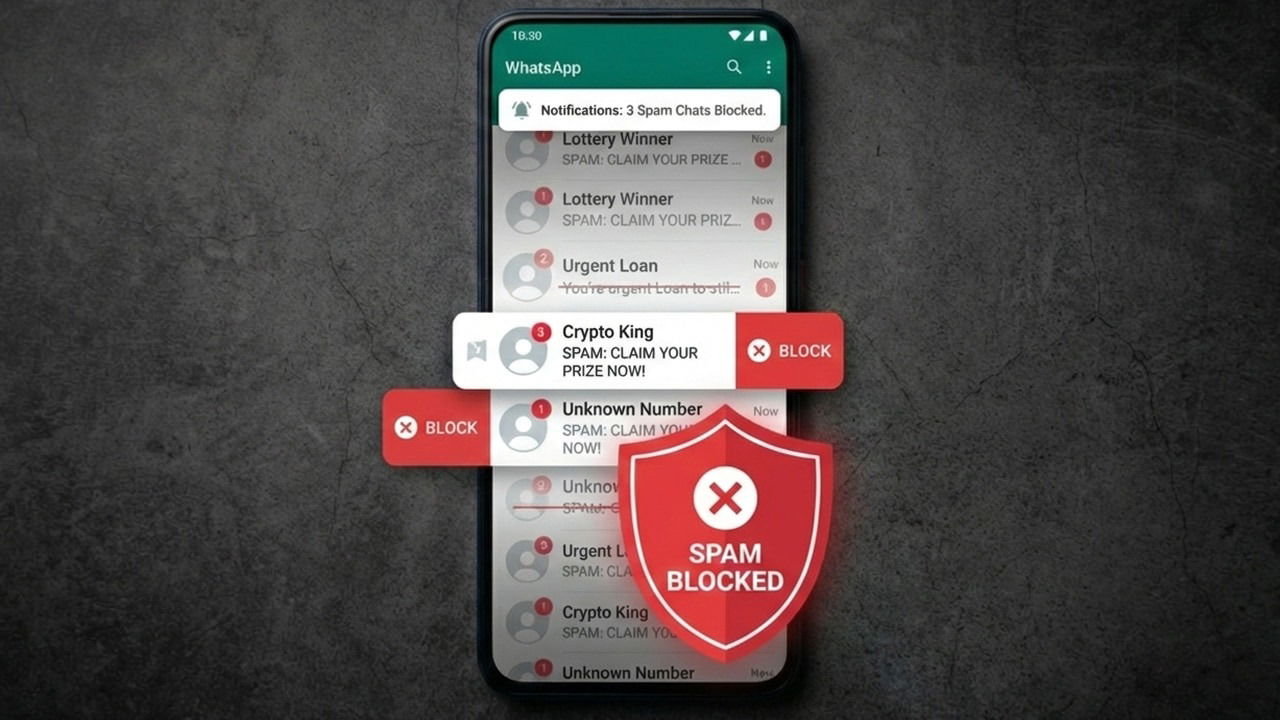
I don’t mind that WhatsApp has effectively replaced traditional texting, but I hate how easily spammers now clutter our phones with junk. After receiving one too many “You’ve been selected for a high-paying remote job” messages, I decided to overhaul my settings. Here’s the setup I use to keep WhatsApp spam-free without missing the messages that actually matter.
Restricting Data Visibility to Prevent Data Harvesting by Spammers
The first step to stopping spam is to not become a target in the first place. Spammers use automatic tools to find active numbers to run effective spam campaigns. If you restrict your data visibility on WhatsApp, you can decrease the chances of your number ending up on the spammers’ list of potential targets.
The best way to do that is to limit your information on WhatsApp to your contacts only. There is a good chance you won’t put a spammer on your contact list, so it will keep your information secure. Here’s how:
Go to WhatsApp Settings from the top-right dots menu. Afterward, move to Privacy and set My contacts (or My contacts except) option for the following personal information:
- Last seen and online: if it’s set to Everyone, anyone can see when exactly you are online without being on your contact list.
- Profile picture: a personal picture is a clear sign that the number is active, especially if it changes.
- About: a good sign the number is active, as someone who cares about the number will add an about section.
- Links: if you share any link in your profile, it’s best to limit it to your contacts, as it can attract spammers.
- Status: another clear sign the number is active if your status is updated regularly.


I personally never felt the need to show any of this information to random people, and it never prevented anyone from reaching me. However, the results of these changes will take a while to show, as you are probably on a bunch of spam lists already. It will take some reporting and blocking to be free.
Managing Mass Forwarded Messages by Spammers
Most of the spam and scam messages are bulk forwarded, either by the same person or multiple people. You should be extra careful about messages that are forwarded many times.
The easiest way to do that is to be careful with messages that have the tag Forwarded many times. Those messages are usually scams or fake news that are forwarded by a chain of users (more than 5 users) and are often fake information that just wastes your time. Their goal is often to make the fake message viral.
Furthermore, you can also automatically block unknown senders on WhatsApp who mass-forward a message – a common spammer behavior. To do so, open WhatsApp Settings and go to Privacy → Advanced. Enable the Block unknown account messages toggle.

Don’t worry about missing messages from unknown numbers. WhatsApp filters are really good at detecting mass forwarding bots and real senders; I’ve never had any issue with this enabled.
Stop Unknown Users from Adding You to Groups
Almost every time I was put in a group by an unknown user, it was about some illegal activity or inappropriate content that spammed updates every few minutes. Usually, no good comes from allowing random people to add you to groups. You should limit this function to your contacts only to avoid being put in spam groups.
In WhatsApp Settings, go to Privacy and select My Contacts in the Groups option. Now, whenever someone outside your contact list wants to add you to a group, they will have to send a group invite instead of directly adding you to a group.

Always Report and Block Spammers
It’s easy to ignore spam messages by deleting them, or worse, selecting all and marking them as read. However, this just fuels the system as it opens you up for more spam in the future and marks you as a priority target if you mark it as read.
It’s crucial that you take a few seconds to both report and block the spammer’s number. By blocking, you prevent future messages from the spammer, decreasing spam for yourself. By reporting, you decrease spam for everyone else, as WhatsApp can then see the spammer’s last 5 messages to permanently block the number.
While it’s easy to hit the big Block button on top of the spam message you received, opening the message makes you a target of spam, as they can see the read receipt (unless you turn off read receipts). I highly recommend blocking spam messages without opening them. Just tap and hold on the chat and select Block from the dots menu. Ensure the Report to WhatsApp option is checked as you confirm the prompt.

Spam messages aren’t only annoying but can also be dangerous, like malware messages on WhatsApp. After following all the above steps, you should see a clear decrease in spam in WhatsApp. If WhatsApp is bringing nothing but spam for you, you can also look into living without WhatsApp.
